A Huge Freebie Is Winding Down
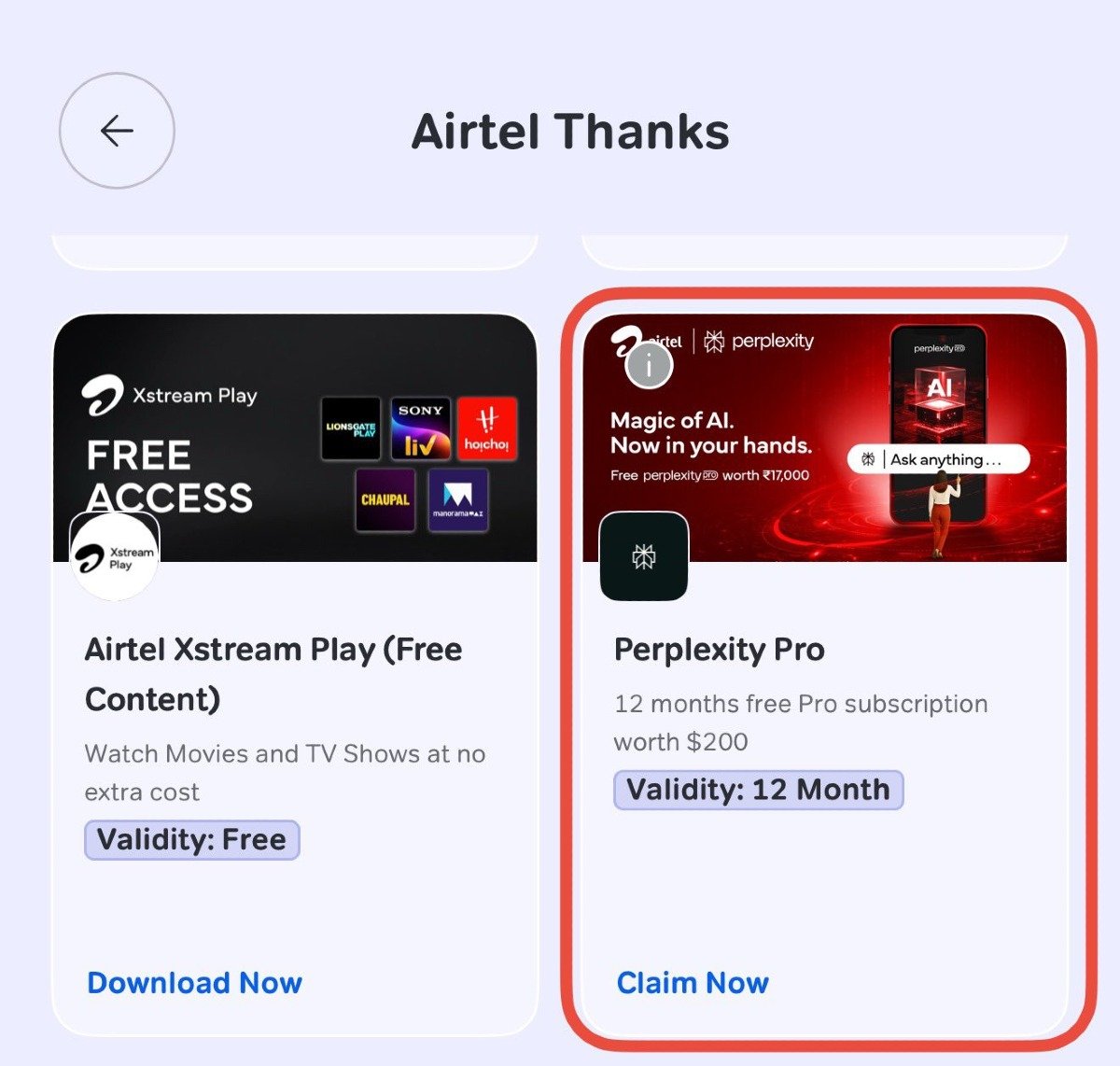
Back in July 2025, Airtel and Perplexity AI struck a partnership that turned heads across India's telecom industry: eligible Airtel customers could claim 12 months of Perplexity Pro, a subscription normally worth around ₹17,000 (about $200), completely free through the Airtel Thanks app. The offer ran until it officially closed to new claims on January 16, 2026, but for the customers who claimed it early, that free year is now approaching its end.
If you were one of the millions who tapped "Claim Now" on that promo card last summer, this is the week to pay attention.
The Perplexity Pro card inside the Airtel Thanks app, where the original 12-month offer was claimed.
Why Some Accounts Are Showing "Paused"
As the earliest claimants hit their renewal date this week, many are noticing their Perplexity subscription status has flipped to "Paused" rather than quietly renewing or quietly expiring. Here's what that actually means:
No card on file? If you never linked a payment method when you redeemed the offer, "Paused" is harmless — Perplexity automatically pauses accounts when no valid payment method is available, and you won't be charged.
Card linked? This is the group that needs to act. If a credit or debit card is attached to your account, it can be charged automatically once the free period lapses, and users have reported charges of roughly $20/month if the subscription rolls over unchecked.
How to Cancel Before You're Charged
Perplexity's official guidance differs slightly depending on how your account was set up:
Perplexity.ai (web/Stripe) subscribers: No action is needed for the free period itself, but if you don't want the subscription to auto-renew into a paid one afterward, you should cancel manually.
Apple or Google Play subscribers: You must manually turn off auto-renewal in your App Store or Play Store subscription settings — otherwise you may be billed by Apple/Google directly, separate from the Airtel promo.
To cancel from the Perplexity website directly:
Sign in at perplexity.ai using the same account used for the Airtel redemption.
Go to Settings → Subscription.
Click "Manage Subscription."
Select "Cancel Subscription" and confirm.
Cancelling this way only switches off future auto-renewal — it won't cut off any Pro access you're still entitled to for the remainder of your free year.
The Bigger Lesson: Audit Your "Free" Subscriptions
Promotional bundles like this one are genuinely valuable, but the transition out of a free period is exactly where consumers get caught off guard. Airtel's offer was always clearly time-limited from launch, and the sudden wave of "Paused" statuses this week is really just the natural endpoint of a 12-month clock that started ticking back in mid-2025.
The practical takeaway is simple: whenever you claim a "free for a year" perk tied to a telecom, retailer, or hardware bundle, put a reminder on your calendar for a few weeks before it expires. Check whether a payment method is attached, and if you don't want to keep paying, cancel manually rather than assuming the offer will simply lapse on its own.
Quick Checklist
Check your status: Log in to Perplexity and look for "Paused," "Active," or a renewal date under Settings → Subscription.
Check for a linked card: If one is attached and you don't want to continue paying, cancel now.
Apple/Google users: Confirm auto-renewal is off in your store subscription settings, not just in Perplexity's own dashboard.
Keep an eye on your statement: Watch for an unexpected recurring charge in the days after your free year ends.
This article reflects publicly available information from Airtel and Perplexity's official help documentation as of publication. Terms and rollout timing may vary by account and region — when in doubt, check your subscription status directly in the Perplexity app or contact Airtel support.